VerseDocs
Document automation for Microsoft Power Platform. Generate Word, Excel, PowerPoint and PDF documents from templates — from a record, from a list, or from Power Automate — without a single byte leaving your Dataverse environment.
What it is
VerseDocs is a Power Platform managed solution. You import one zip file and get 69 Dataverse Custom APIs, a template authoring studio, a “Generate document” button for your tables, and an admin app. There is no Azure subscription to buy, no server to run, no connector to register, and no Entra app to create.
Every document action — templating, PDF conversion, merging, watermarking, barcodes — executes inside the Dataverse plug-in sandbox in your own environment. Your documents, your data and your templates never travel to VerseBlocks or to any third party.
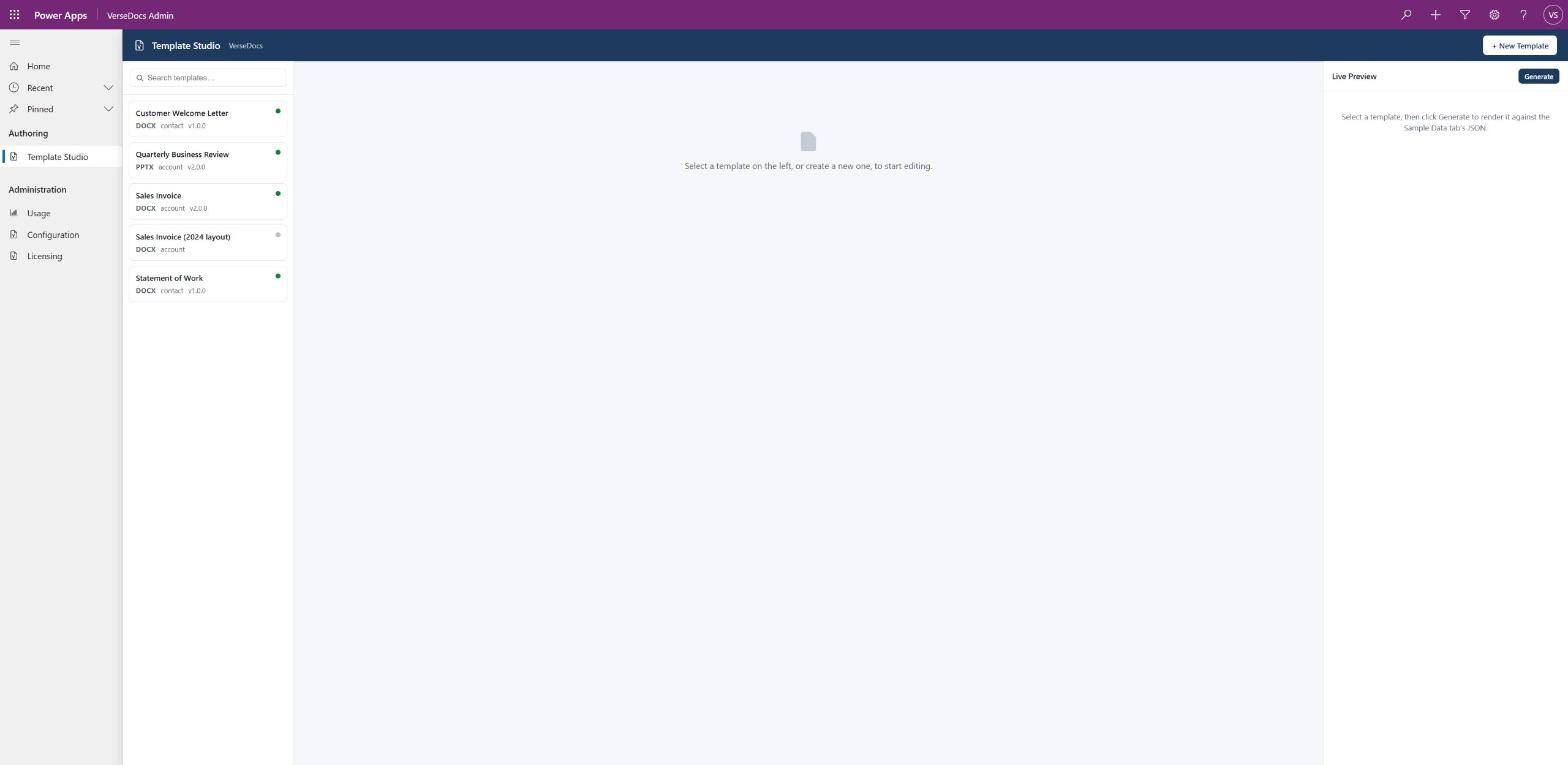
Two ways to generate a document
These are the two on-ramps, and most customers end up using both. The first needs no configuration beyond ticking a table; the second is where the bulk of the product lives.
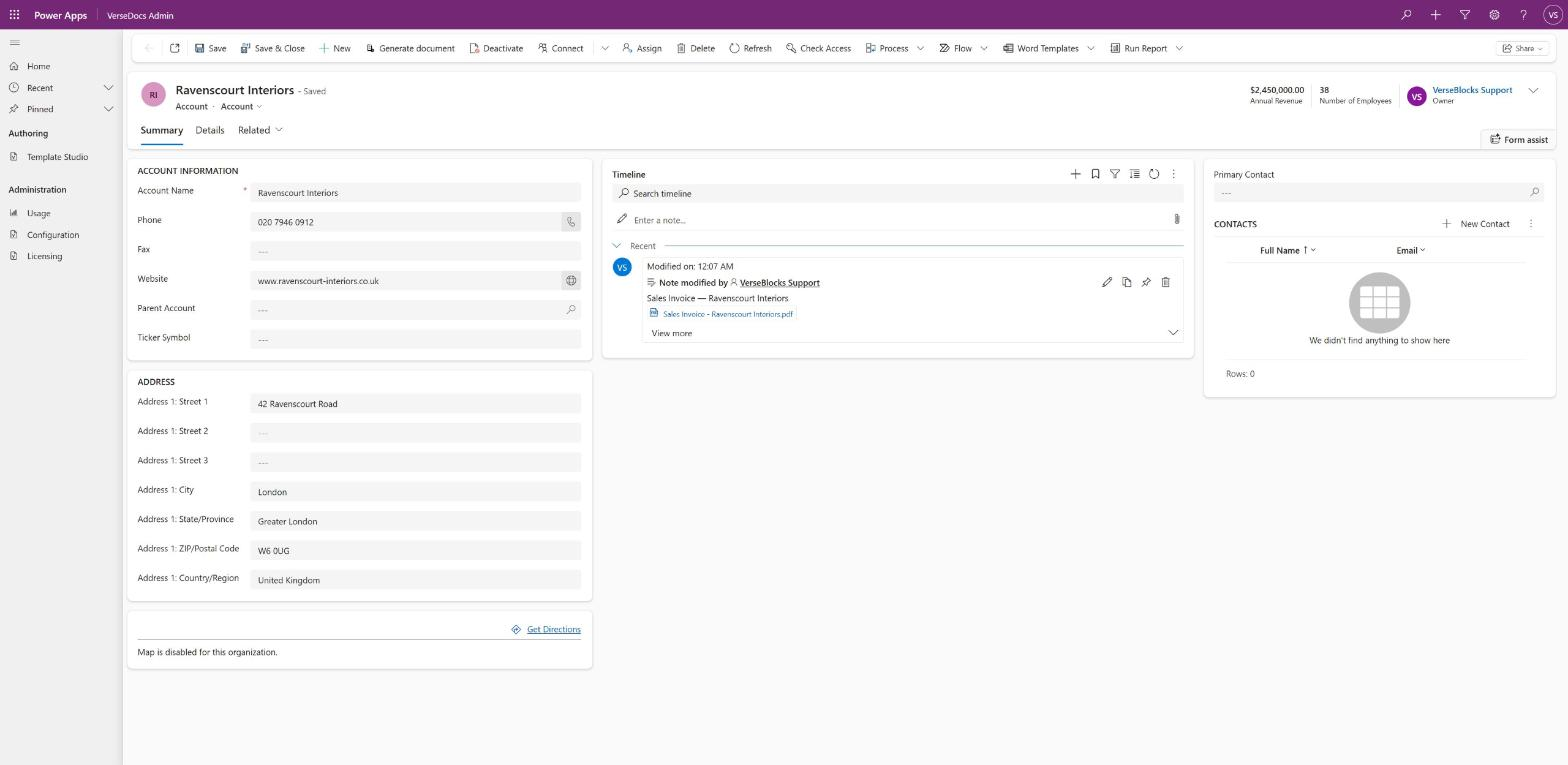
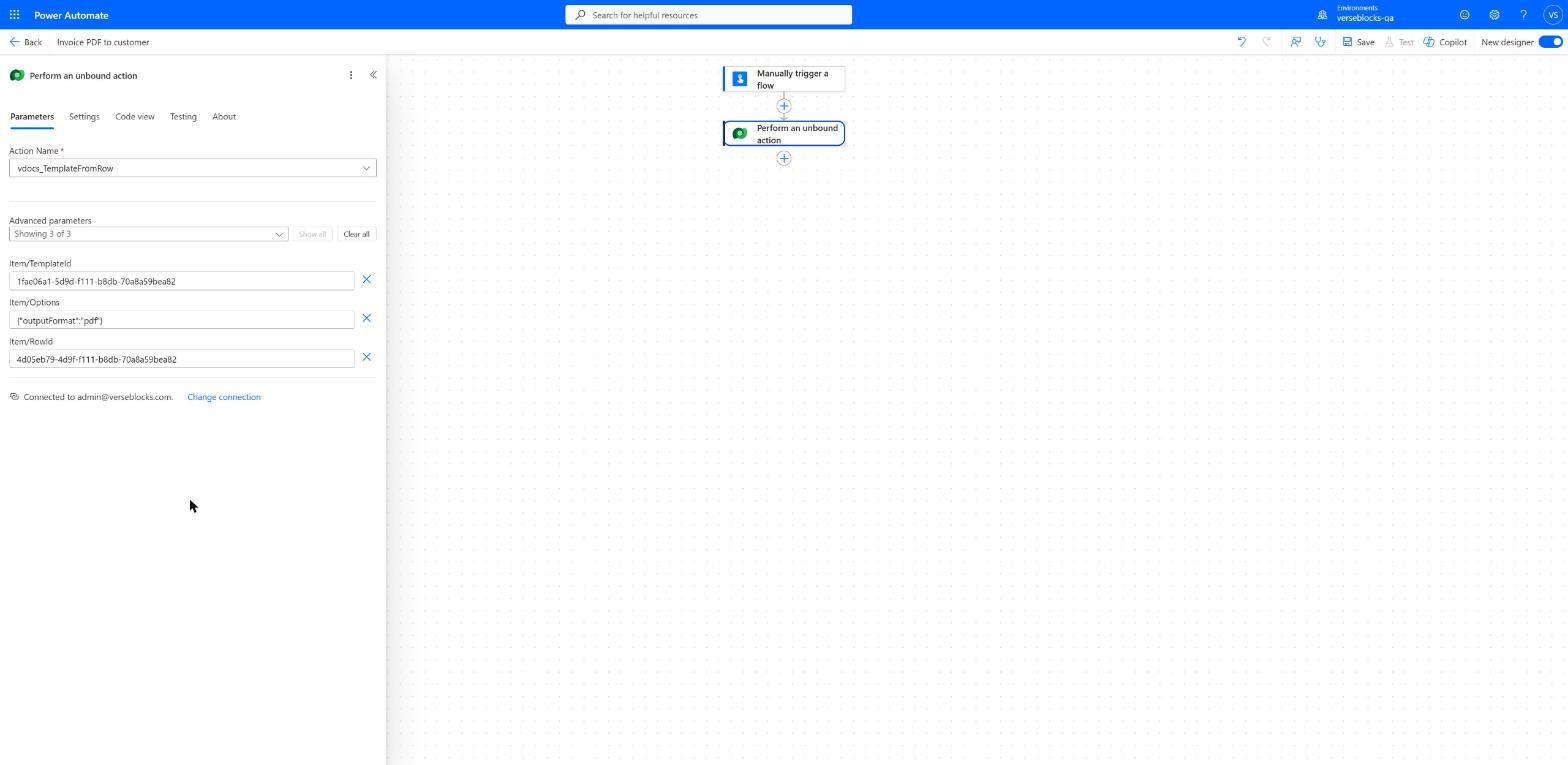
| From a record or list | From Power Automate | |
|---|---|---|
| How | A Generate document button on the form command bar and on grids. | The Dataverse connector’s Perform an unbound action step. |
| Who triggers it | A user, by clicking. | A flow: a schedule, a record change, an approval, an inbound email. |
| Setup | Tick the table in Administration → Configuration. | Build the flow. |
| Bulk | Select rows in a view, up to 100 per run. | Unlimited, via vdocs_TemplateBatch or a loop. |
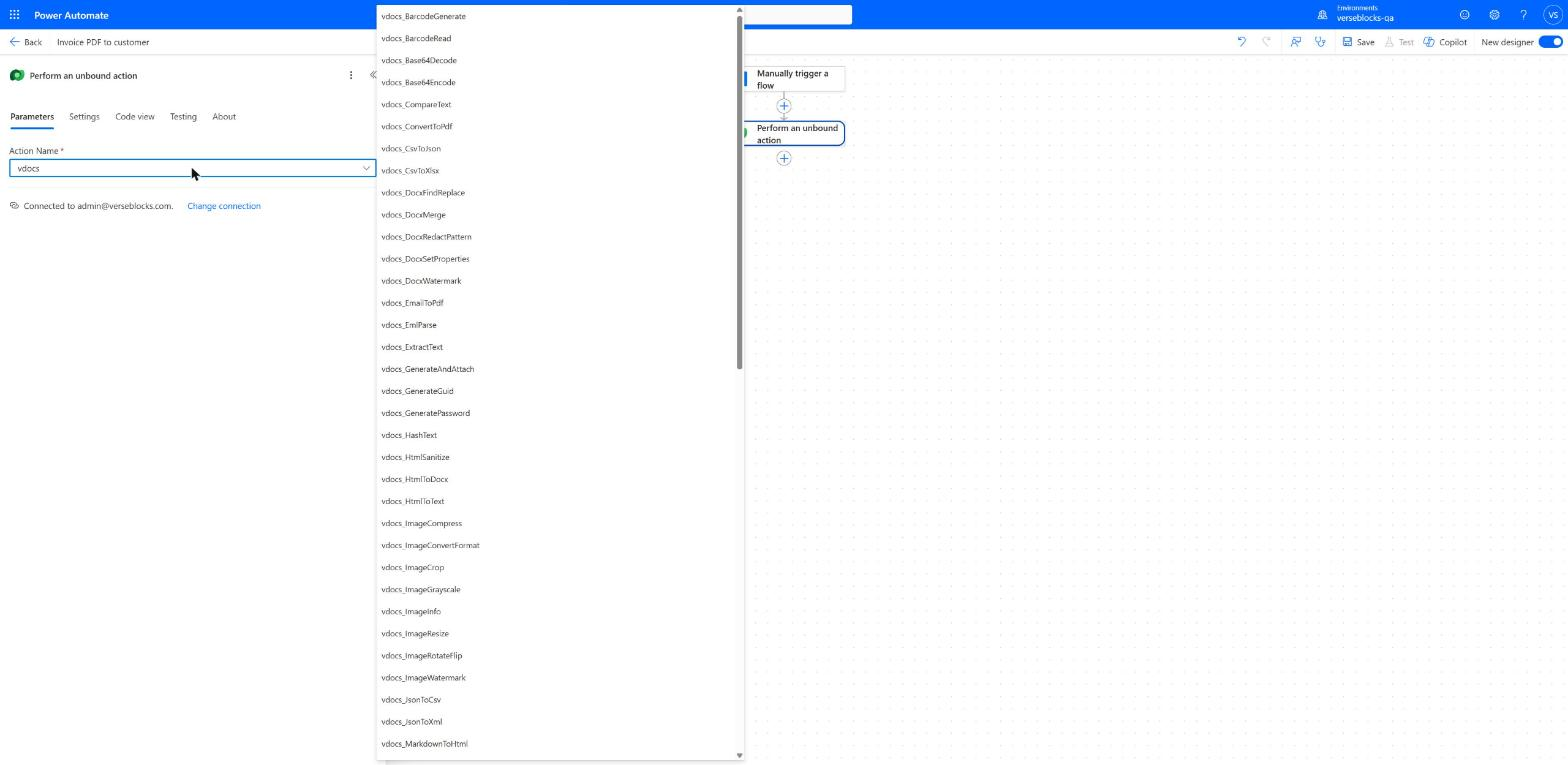
| Reach | Templating and attach only. | All 69 actions, including the 38 in the utility pack. |
What you get
The 69 actions divide into document generation, which is the core product, and a utility pack that a license unlocks.
- Templating. Word, Excel and PowerPoint templates with
{{field}}tokens,{{#each}}loops,{{#if}}conditionals and embedded images. Fill from JSON you supply, or straight from a Dataverse row and its related records. - PDF. Convert to PDF in the same call that renders the template. Merge, split, reorder, watermark, encrypt, unlock, flatten, fill and read AcroForm fields, extract text and images.
- Documents without a template. Find and replace in an existing
.docx, redact by regular expression, merge documents, stamp a watermark, set document properties. - Images and barcodes. Resize, crop, rotate, compress, convert format, watermark. Generate QR, Code 128 and EAN‑13 barcodes as PNG or SVG, and decode them back.
- Data and text. CSV/JSON/XML/XLSX conversion, regular expressions, hashing, Base64, zip archives,
.emlparsing, HTML and Markdown conversion.
The full list, with every parameter, is on the Action Reference.
Trial, license and the watermark
Everything works the moment you import the solution. Nothing is disabled, feature-gated or time-limited — but until an environment holds a valid license key, every document it produces carries a visible VERSEDOCS TRIAL watermark, and the 38 utility-pack actions refuse to run.
A VerseDocs Premium license is tenant-scoped: one key clears the watermark in every environment in your tenant — production, sandbox, developer, and any you create later — with no per-environment reordering.
Full detail on buying, activating and diagnosing a key is on Licensing.
How it fits together
Your Dataverse environment
├── vdocs_* Custom APIs  (69)   the actions themselves, running in the
│                                  plug-in sandbox — no outbound calls
├── VerseDocs Admin app
│   ├── Template Studio            author and validate templates
│   ├── Configuration              choose which tables get the button
│   ├── Usage                      vdocs_usage table + dashboards
│   └── Licensing                  buy, activate, check status
├── Generate document button       form command bar + grids
└── vdocs_template rows            your templates and their data bindings

VerseBlocks (outside your tenant, contacted only when you ask)
└── License issue / renewal, optional telemetry, optional feedback
Because every action is an ordinary Dataverse Custom API, anything that can call Dataverse can call VerseDocs: Power Automate, a canvas app, a plug‑in, the Web API, or your own code. Security is Dataverse’s own — every read and every write runs as the calling user, never elevated.
What you need
- A Dataverse environment. Production, sandbox, or a Power Platform Developer Plan environment.
- Premium Power Platform licensing for the users who will call it. Dataverse Custom APIs are a premium capability — the same tier that gates plug‑ins and custom connectors. If your users hold Dynamics 365 or Power Apps per‑user/per‑app licenses, you already have this. It is a Microsoft cost, not a VerseDocs one.
- System Customizer or System Administrator to import the solution.
That is the whole list. No Azure subscription, no managed identity, no Entra app registration, no pre-import step.